The web used to be flat. Then came parallax scrolling. Now, in 2026, the web is going 3D — not as a gimmick, not as a flashy landing page for a gaming startup, but as the new baseline for user engagement across industries.
Apple's product pages let you spin up a phone in your browser. Automotive brands build virtual showrooms where you can walk around a car from every angle. E-commerce sites let you visualize furniture in your room through your phone's camera. And at the core of this transformation: immersive 3D experiences are no longer the exclusive domain of game developers and professional designers.
Here's why 3D web design is exploding right now, and why AI tools like Kimi K3 are the catalyst.
What Exactly Is a 3D Website?
A 3D website isn't just a page with a 3D logo or a spinning cube. It's a fundamentally different way of structuring the web experience:
Scroll-Driven Cinematic Experiences
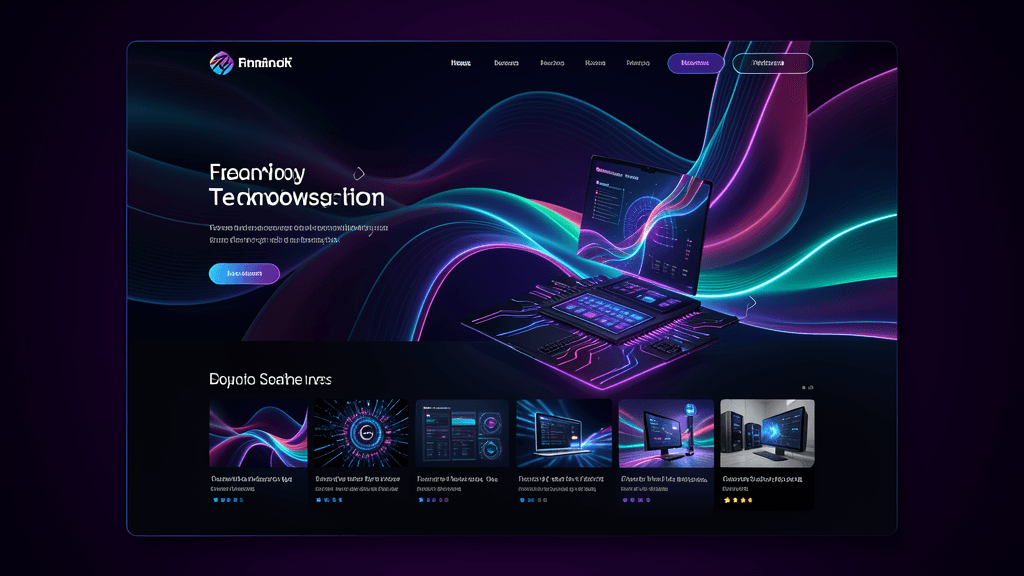
Imagine scrolling through a webpage and feeling like you're moving through a continuous 3D video. As you scroll up or down, you're propelled forward or backward through a virtual space — like flying through a circuit board or diving into liquid metal. This isn't a gimmick; it's a storytelling technique that turns passive scrolling into active exploration.
Interactive 3D Product Visualization
Instead of viewing static product images from multiple angles, users can actually rotate, zoom, and interact with a 3D model in their browser. Click on different parts of a product, see its internal components, change colors in real time. This turns a product page from a catalog into an experience.
Spatial Depth and Motion
3D websites add genuine depth — parallax that isn't just simulated, but actually rendered in 3D space. Elements don't just move at different speeds; they occupy actual X, Y, and Z coordinates. When you tilt your device, the perspective shifts accordingly. When you hover over an element, it responds in three dimensions.
Live Data in 3D Space
Interactive dashboards and data visualizations rendered in 3D space aren't just visually striking — they reveal patterns that flat charts hide. A 3D scatter plot lets you see clustering and outliers at a glance. Animated 3D charts bring data to life without sacrificing accuracy.
Why Is This Happening Now? Three Converging Forces
1. AI Tools Have Finally Made It Accessible
This is the biggest game-changer. Five years ago, creating a 3D website required a team: a 3D artist to build models, a web developer to code the interactions, a motion designer for animations, and a designer to lay it all out. The cost could easily reach $5,000-$20,000 for a single landing page.
Today, Kimi K3 and similar AI tools can generate complex 3D websites from a single text prompt. Want a scroll-driven cinematic landing page? Describe it. Kimi produces the Three.js or WebGL code, integrates scroll-triggered animations, and generates the interactive elements — all in minutes. The cost? A few dollars in AI credits.
The economics have flipped. What used to require a specialized team can now be accomplished by one person. That's a paradigm shift.
2. WebGPU Made Browser 3D Practical
For years, browser-based 3D was limited by performance. Three.js worked, but it struggled on mobile devices, lagged on older browsers, and required extensive optimization for smooth frame rates. Then came WebGPU — a modern graphics API built directly into the browser that gives JavaScript direct access to GPU capabilities.
WebGPU means:
- Native 3D rendering without heavy abstraction layers
- Cross-device compatibility — the same code runs smoothly on desktop, tablet, and mobile
- Better performance — frame rates that actually feel responsive, not choppy
- Lower bandwidth — more efficient asset loading and rendering
Major browsers have all shipped WebGPU support by 2026. It's no longer a bleeding-edge technology; it's part of the standard web toolkit.
3. User Expectations Have Risen
Users have been exposed to high-quality 3D experiences — in games, in social media filters, in product catalogs from major brands. They've come to expect more from every website they visit. A flat, 2D landing page feels dated by comparison.
This isn't about gimmicks anymore. It's about meeting user expectations. When users swipe through an app and see smooth animations and 3D transitions, they expect websites to feel just as modern and responsive. The web is no longer competing against just other websites — it's competing against the entire digital experience landscape.
Real-World Examples That Started the Trend
You don't need to imagine this — it's already happening:
Apple's Product Pages — You can rotate any product in 3D, zoom in on details, and see interactive diagrams explaining how components fit together. No downloads required.
Automaker Virtual Showrooms — Major car brands now offer browser-based virtual showrooms where users can walk around a car from every angle, open the doors, peek inside the cabin, and even see engine components in 3D — all without visiting a physical dealership.
E-commerce Product Visualizers — Furniture brands let users place a 3D model of a sofa in their actual room through their phone's camera, seeing exactly how it will look and fit in their space before buying.
Interactive Educational Websites — Science and educational sites now feature rotatable 3D models of molecules, planetary systems, and biological structures — turning static textbook content into interactive exploration.
How AI Tools Like Kimi K3 Are Accelerating the Shift
This is where the real magic happens. AI isn't just assisting in 3D web development — it's democratizing it.
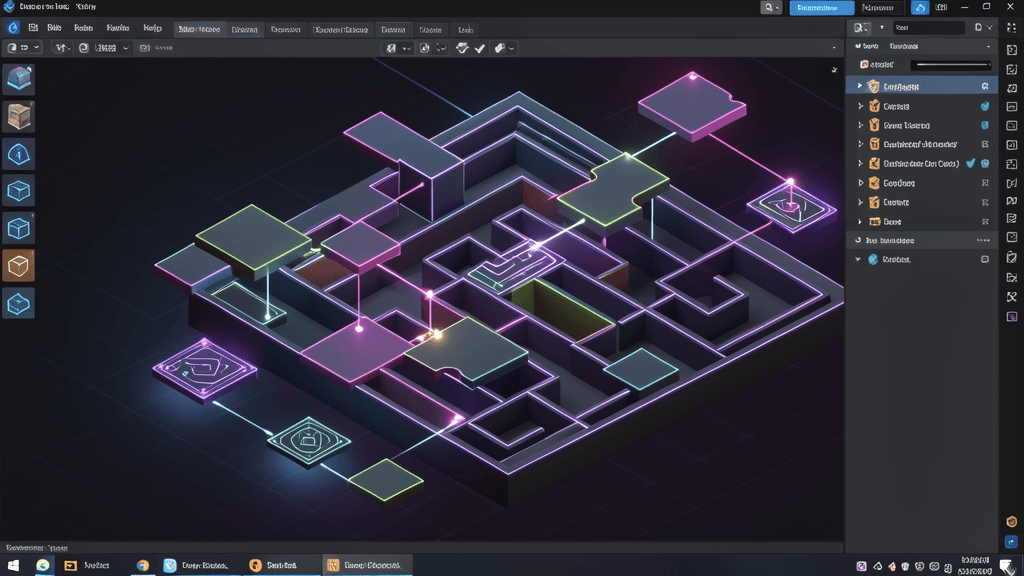
From Prompt to Product: With Kimi K3, you describe what you want — "a scrolling 3D experience showing a digital clockwork mechanism with gear interactions" — and it generates the complete code. Not mockups. Not static images. Working, interactive 3D code.
Visual Iteration Loop: Kimi K3 can render a screenshot of what it generated, show you what it looks like, and then you can give feedback like "make the gears rotate faster" or "add more depth to the background." It sees your feedback, adjusts the code, and renders again. This visual iteration loop is orders of magnitude faster than traditional web development feedback cycles.
Asset Generation: Want specific 3D assets? Kimi can generate them from text descriptions. Need a specific texture for a surface? Describe it. Kimi produces the 3D models, textures, and animations you need — no separate 3D artist required.
Code Optimization: Kimi K3 automatically optimizes the generated 3D code for performance, ensuring that your 3D website loads quickly and runs smoothly across devices. It knows when to use Level of Detail (LOD) techniques, when to compress textures, and how to balance visual quality with performance.
What This Means for You
If you're a developer, designer, or business owner, the 3D web trend isn't something you can afford to ignore. Here's what to consider:
For Developers
- Learn the basics of 3D web development — Three.js, WebGL, and now WebGPU fundamentals
- Integrate AI into your workflow — Use tools like Kimi K3 to generate starting points and iterate quickly
- Focus on UX, not just 3D — 3D should enhance the user experience, not distract from it. Navigation, accessibility, and content clarity still matter most
For Designers
- Think in 3D, not just 2D — Your layouts should consider depth, motion, and spatial relationships
- Collaborate with developers early — 3D experiences require close collaboration between design and development
- Use AI to explore concepts faster — Quickly generate multiple 3D design variations and iterate based on feedback
For Business Owners
- Your competitors are doing this — If your industry has a 3D presence, you risk appearing outdated without one
- Start small — You don't need a full 3D website immediately. A single interactive product showcase or hero section can make a difference
- Measure impact — Track engagement metrics. 3D experiences typically increase time-on-page and conversion rates
Potential Pitfalls to Avoid
-
Don't sacrifice performance for flashiness. A 3D website that takes 10 seconds to load will lose more users than it gains with visual effects. Optimize your assets, use progressive loading, and ensure fast initial page load.
-
Don't ignore accessibility. Ensure all 3D elements have text alternatives, keyboard navigation support, and can be controlled without motion that triggers vestibular disorders. Make sure users can access your content if they disable 3D effects.
-
Don't overuse 3D effects. A little goes a long way. Use 3D where it adds value — for product visualization, storytelling, or data exploration — not just as a decorative flourish.
-
Test on multiple devices. What looks great on a high-end desktop might struggle on a mobile device. Test your 3D experiences across different screen sizes and connection speeds.
The Future Is Immersive
The trajectory is clear: the web is moving from flat documents to immersive experiences. AI tools are the engine making this transition accessible to everyone, not just the tech giants who had the resources before.
As WebGPU becomes more widespread and AI tools continue to improve, the barrier to entry will keep dropping. In a few years, creating a 3D website will be as common as adding a background video today — a standard feature rather than a novelty.
The question isn't whether your website should be 3D. The question is: which approach will get you there fastest?
For most developers and businesses, the answer is clear: combine the strategic vision of human creativity with the execution speed of AI tools like Kimi K3. Build experiences that engage, impress, and convert — all while keeping your development time and costs manageable.
The future of the web is 3D. And thanks to AI, it's finally within reach for everyone.