One-Sentence Answer
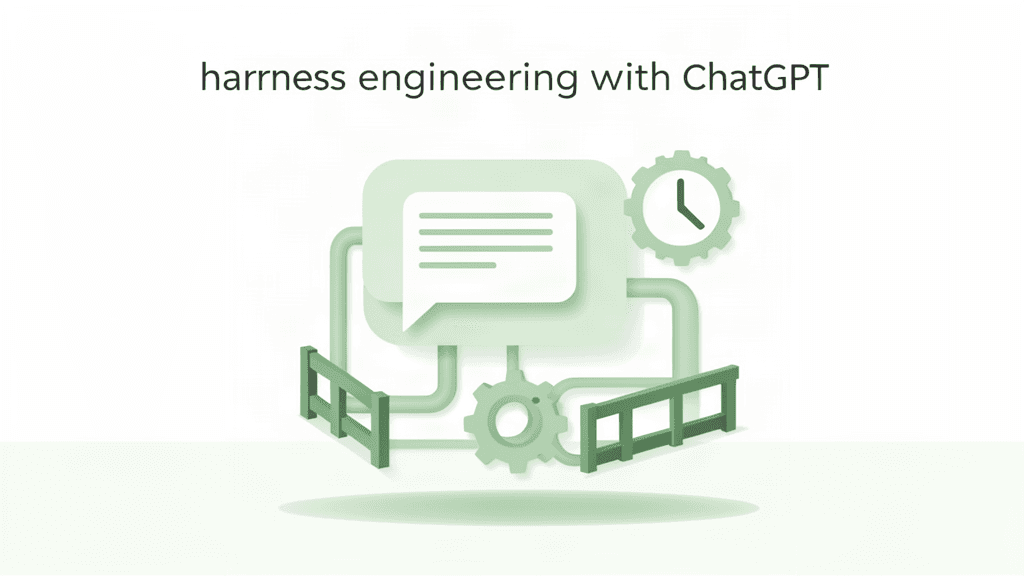
ChatGPT is a strong model wrapped in a thin harness — so harness engineering with ChatGPT means deliberately adding the layers it lacks: durable instructions, scoped connectors, external verification, and a human checkpoint for anything that ships.
Most people use ChatGPT as a smart window: ask, get an answer, copy it, move on. That works for brainstorming. It breaks for repeatable work, because the default harness has almost no memory of your standards, no automatic checks, and no guardrails on action.
The Problem: A Great Model, a Thin Harness
By itself, a ChatGPT conversation is stateless between topics and optimistic by default. It will happily produce plausible code that does not run, a summary that misses your edge cases, or a plan that ignores your constraints — because nothing in the loop forces it to verify.
This is exactly the gap harness engineering fills. Recall the framing from the overview article: Agent = Model + Harness. ChatGPT gives you a top-tier model and a minimal harness. Your job is to build the rest.
What ChatGPT's Built-In Harness Already Gives You
To be fair, modern ChatGPT is not bare. It ships several harness pieces you should use on purpose:
- Custom instructions — durable feed-forward guidance about who you are and how you want replies.
- Memory — cross-chat recall of facts you let it keep.
- Projects — a scoped space with its own instructions, files, and chat history.
- Connectors / record access — the ability to pull from connected apps and your own uploaded files.
- Temporary or focused modes — structured outputs, deep research, and coding modes that constrain behavior.
These are real harness components. But they are general-purpose and mostly passive: they guide the model, they do not verify its output or act on your systems.
Building a Harness Around ChatGPT (No Code Required)
You can thicken the harness using features you already have, plus one discipline: always verify outside the chat.
1. Feed-forward: make your standards legible
Put your real constraints into Custom Instructions and a Project brief, not into a one-off prompt:
- Your stack, conventions, and naming rules.
- The output format you expect (schema, tone, length).
- What "done" means for your kind of task.
- Explicit "do not" rules (no invented APIs, no untested code in production).
This raises the odds the first answer is close — the first goal of any harness.
2. Tools: scope connectors narrowly
If you connect data sources, start read-only. Let ChatGPT read and summarize; keep writes and sends behind your own confirmation. A narrow, read-only connector is far safer than a broad one with delete access.
3. Feedback: verify outside the chat
The missing sensor in a ChatGPT harness is verification. Add it manually:
- Paste generated code into your project and run the test suite or linter.
- Run a schema or spell check on generated documents.
- Ask a second model or a colleague to critique the plan.
- Keep a checklist of "things ChatGPT gets wrong for us" and re-check those every time.
4. Approval: you are the guardrail
Anything that ships — an email sent, a file written, a deploy — should pass through you. ChatGPT has no native execution boundary, so the human checkpoint is the harness.
A Practical Loop You Can Run Today
| Step | What ChatGPT does | What you add (the harness) | | --- | --- | --- | | Specify | Turn a goal into a clear brief | Project instructions + custom rules | | Act | Draft code, doc, or plan | Narrow connector, read-only data | | Sense | — | Run tests/lint/checklist outside chat | | Correct | Revise from your feedback | Feed the error back as a new instruction | | Approve | — | You confirm before anything ships |
That loop — act, sense, correct, approve — is harness engineering with whatever tools you have. The model reasons; you supply the discipline ChatGPT lacks by default.
Where This Ceiling Shows Up
ChatGPT's harness is intentionally safe and general, which means it stops short of:
- Execution on your systems — it does not natively run your scripts or manage git.
- A real verification loop — checks happen because you run them, not because the system requires them.
- Durable cross-session state for code — memory helps, but it is not a runtime with persisted job state.
When you need those, you have two paths: wrap ChatGPT with an external script that drives it and checks results, or move the executing part to an agent that already has a runtime — for example, a coding agent, or Hermes.
Key Takeaways
- ChatGPT is a strong model with a thin, mostly passive harness.
- You can thicken it with custom instructions, Projects, scoped connectors, and a verify-outside-chat habit.
- The human approval step is the guardrail ChatGPT does not provide by itself.
- For execution and automatic verification, wrap it in code or use an agent built to run.
Next: see how Hermes ships many of these harness layers out of the box.