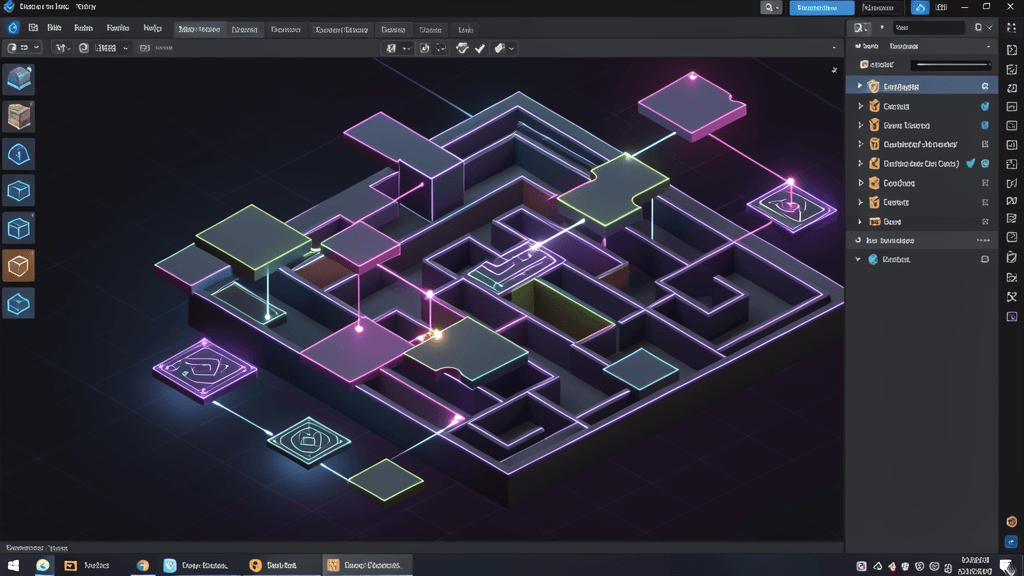
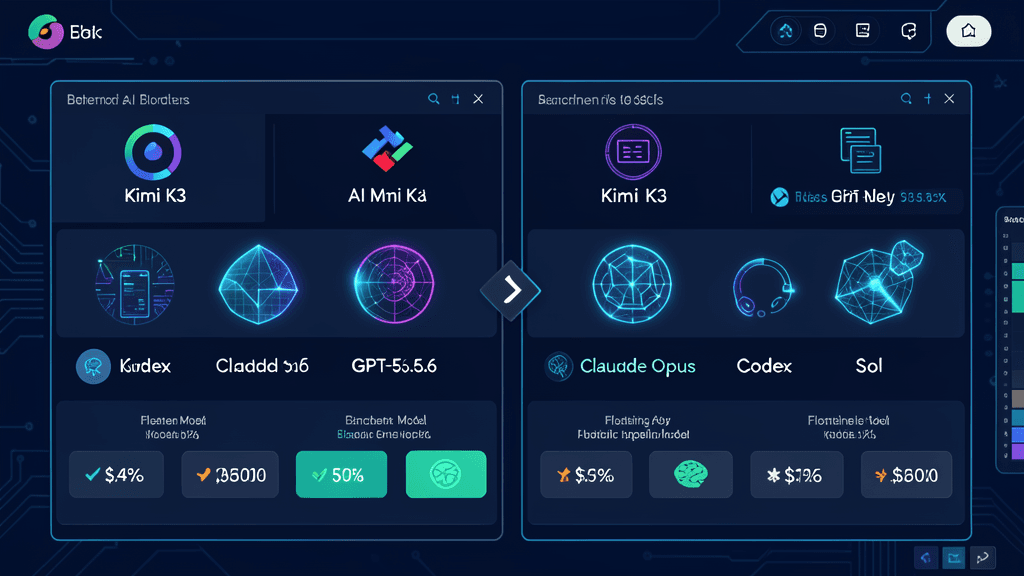
In July 2026, Moonshot AI released Kimi K3 — the world's first open 3 trillion parameter model — and something unexpected happened: developers started posting playable 3D games that had been built from a single text prompt. Not mockups. Not concept art. Fully functional, interactive 3D games you could actually play.
This isn't science fiction. Kimi K3 combines three capabilities that, together, create a paradigm shift for 3D game development: native 3D reasoning, visual understanding, and vision-in-the-loop iteration. Let me break down what that means and why it matters.
What Makes Kimi K3 Special for 3D Games?
Kimi K3 is built on Kimi Delta Attention (KDA) and Attention Residuals (AttnRes), architectural innovations that let the model process extremely long sequences without exploding in computational cost. But for game development, three features stand out:
1. Native 3D Reasoning
Unlike most AI models that treat 3D as an afterthought, Kimi K3 understands spatial relationships, geometry, and physics naturally. When you ask for a "3D platformer with floating islands and gravity wells," K3 doesn't just generate text about it — it understands the spatial constraints and generates code that actually creates those mechanics.
2. Vision-In-the-Loop Iteration
This is the killer feature. Most coding AIs work in a text-only loop: you describe something, the AI writes code, you test it, you describe the bug, the AI fixes it. Kimi K3 can see what it generated. It renders the scene, takes a screenshot, analyzes it, identifies what's wrong (a collision boundary that's too small, a texture that's missing, a character that's stuck), and fixes the code — all without you needing to explain the visual problem in words.
3. 1 Million Token Context
A modern game project can include dozens of assets, reference screenshots, design documents, and thousands of lines of code. With a 1 million token context window, Kimi K3 can keep all of that in memory simultaneously. It can reference a previous iteration while making changes to the next, maintaining consistency across the entire project.
What Can It Actually Build?
According to Moonshot AI's technical blog, Kimi K3 has demonstrated the following game-related capabilities:
- Playable 3D platformers from a single text prompt
- Interactive 3D dashboards and data visualizations
- WebGL-based educational games with animated diagrams
- Prototype-level 3D experiences for pre-production testing
One example from the Kimi K3 tech blog: a researcher asked the model to create a 3D educational tool showing how gravitational waves work. K3 generated a fully interactive WebGL scene where users could manipulate the wave parameters and see the visualization update in real time. Another case: a 3D puzzle game with rotating shapes and collision detection that was fully functional on first attempt.
The Workflow: From Idea to Playable Game
Here's what a typical Kimi K3 game development session looks like:
Step 1: Describe the concept
You provide a natural language description: "A dark-themed 3D puzzle game where players rotate geometric shapes to create paths through a maze. The levels get progressively harder."
Step 2: Generate the base game
K3 generates the complete project structure — HTML/JavaScript/Three.js or whatever target you specify — with scene setup, basic controls, and the core puzzle mechanics.
Step 3: Visual inspection and iteration
K3 renders a screenshot, notices that the collision detection for one shape isn't working correctly, and asks: "I see the blue cube is passing through the wall. Should I increase its collision radius or adjust the wall thickness?" You respond, and it fixes it.
Step 4: Refine and polish
You add features one by one: "Add a timer," "Make the background starry," "Add sound effects." Each time, K3 generates the code, renders a preview, and you provide feedback based on what you see.
Step 5: Export and deploy
Once you're satisfied, K3 can package the game as a standalone HTML file, a WebGL build, or even integrate it into a website or dashboard.
Kimi K3 vs. Traditional Game Dev Workflows
| Aspect | Traditional Dev | Kimi K3 |
|---|---|---|
| Concept to prototype | Days to weeks | Minutes to hours |
| Visual debugging | Manual testing + screenshots | Automatic screenshot analysis |
| Multi-page consistency | Manual coordination | Full context awareness |
| Non-coder involvement | Requires developer | No coding needed |
| Asset creation | Artists needed | AI-generated or simple geometry |
| Iteration speed | Edit-test-refresh cycle | Visual feedback loop |
This isn't about replacing professional game developers. It's about democratizing 3D game creation. Suddenly, you don't need a team of 5 people to make a simple 3D game prototype. One person with a clear vision and access to Kimi K3 can build something that previously would have taken weeks.
Limitations to Know About
Kimi K3 is impressive, but it's not magic. Here are the real limitations:
- Artistic polish is still manual. K3 can generate geometry and code, but fine-tuning aesthetics for professional quality may still require human art direction.
- Complex systems need guidance. A simple puzzle platformer works great. A full RPG with complex AI behavior trees and dialogue systems will need more structured prompting and guidance.
- Performance optimization is manual. The generated code works, but it may not be optimally optimized for mobile or low-end hardware.
- The output is a starting point. Treat K3's output as a solid prototype you can build on, not necessarily a final polished product ready for distribution without review.
Why This Matters for Malaysia and Southeast Asia
For indie developers in Malaysia and across Southeast Asia, Kimi K3 represents a significant leveling of the playing field. You don't need to move to Silicon Valley to access cutting-edge game development tools. With just an internet connection and a Kimi account, you can:
- Create interactive 3D prototypes to pitch to investors
- Build educational tools for local markets
- Develop mobile game concepts without a large development team
- Experiment with 3D concepts that would otherwise be too risky or expensive
The barrier to entry for 3D game development has never been lower. And for developers who already know some programming, Kimi K3 can become a powerful co-pilot that handles the tedious implementation details while you focus on design and creativity.
Getting Started
If you want to try Kimi K3 for game development:
- Sign up at Kimi.com and try Kimi K3 with their free credits
- Start small: begin with simple 3D scenes or mini-games
- Use the visual iteration feature — let K3 show you its output and give it specific feedback
- Gradually add complexity as you get comfortable with the workflow
- Export your project and run it locally to see how it performs in a browser
The future of 3D game development isn't just better tools — it's more accessible tools. Kimi K3 is leading that charge.