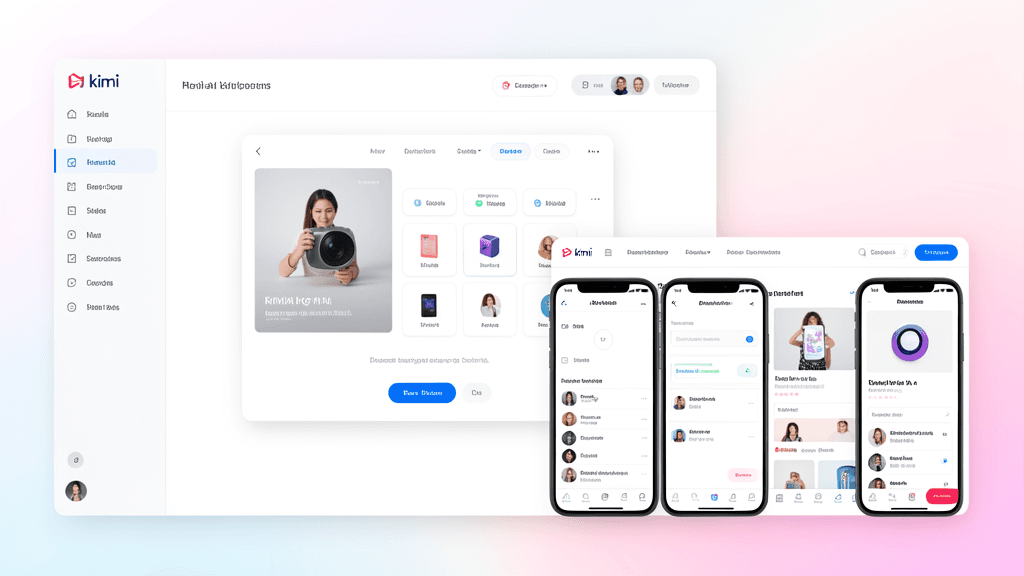
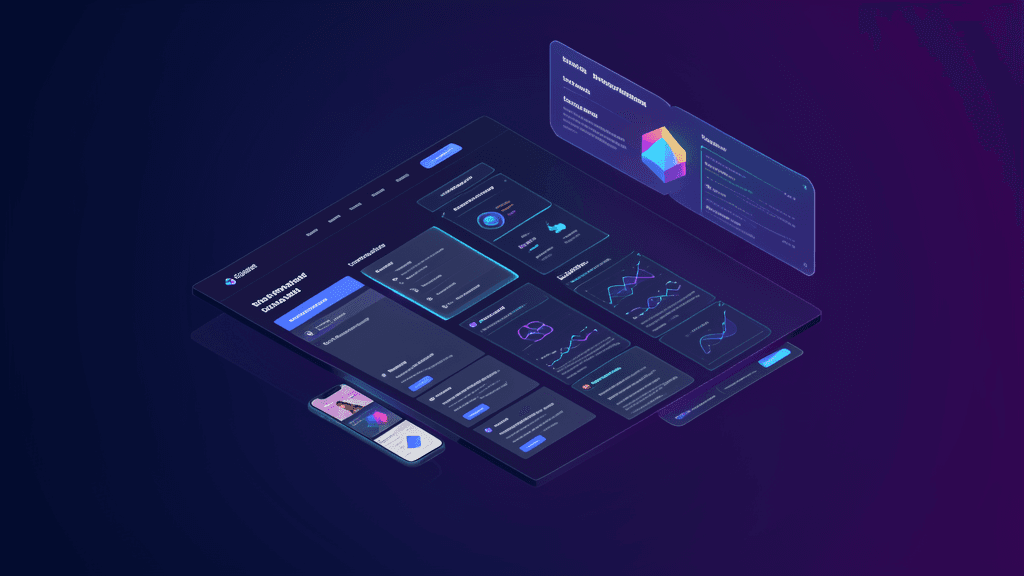
Moonshot AI's Kimi Websites has quietly been one of the most powerful AI tools to emerge in 2026. While much of the attention went to Kimi K3's coding capabilities, the actual website builder — available directly at kimi.com/websites — deserves equal scrutiny. It's not just another "drag-and-drop" website generator. It's an intelligent system that understands intent, generates production-ready code, and turns conversation into websites.
Here's a comprehensive look at what Kimi Websites can do, how it works, and whether it's right for your next project.
The Core Promise: Turn Any Idea Into a Website
Kimi Websites' central claim is simple but profound: turn any idea into a dream website. Just describe what you want, drop in a screenshot, upload an image, or share a video, and Kimi generates aesthetically stunning, functional sites in minutes.
The beauty of Kimi Websites' approach is its flexible input:
- Text prompts — Describe what you need in natural language
- Screenshots or design references — Upload an image of a layout you like
- Screen recordings — Share a video showing what you want to see
- Preset templates — Choose from existing website templates as a starting point
Kimi Websites takes whatever you have and transforms it into a fully structured website — no templates, no setup required. This flexibility is its key differentiator from traditional website builders.
What Kimi Websites Can Build
According to Moonshot AI's official features page, Kimi Websites can generate a diverse range of website types, each tailored to specific goals:
Portfolio Websites
Showcase your work with a site that's as impressive as the projects on it. Kimi creates professional-grade layouts that highlight your work effectively, from creative portfolios to developer showcases.
Photography Sites
Display your shots in stunning, full-bleed layouts that let your images do the talking. No design skills needed — just upload your photos and Kimi arranges them beautifully.
Blog Websites
Share stories, insights, and updates with elegant, easy-to-manage blog websites that combine style and readability. Kimi generates clean typography and structured content layouts.
Marketing & Landing Pages
Build high-converting landing pages and marketing sites that capture attention, communicate value, and turn visitors into customers. Kimi includes call-to-action elements and conversion-focused layouts.
Business Sites
Create a professional online presence that builds trust, showcases your services, and brings in new clients. Kimi generates content sections, service descriptions, and contact forms.
The Generation Workflow: Three Steps to Production
The process is deceptively simple, broken down into three clear steps:
Step 1: Input Your Content
Type a prompt, upload an image or video, or start from a preset template. Kimi Websites takes whatever you have and turns it into a fully structured website. This is where the flexibility shines — whether you have just an idea or a detailed design reference, Kimi adapts.
Step 2: Refine and Customize
Refine your site through natural conversation or visual editing. Adjust layouts, fonts, themes, and styles until every detail feels right. Want to change the color scheme? Ask Kimi. Need to restructure the navigation? Just describe what you want. Kimi understands your intent and makes it happen.
Step 3: Preview, Publish and Share
Preview your site across devices, publish instantly, and share a link with the world. Every site Kimi Websites generates is production-ready and fully responsive out of the box, working seamlessly across desktop, tablet, and mobile with no extra setup.
Key Features That Set Kimi Apart
1. Native Multimodal Understanding
Kimi Websites is built on Kimi's native multimodal architecture. It doesn't just read text — it sees images, understands videos, and connects the dots between visual and textual cues. This means when you upload a screenshot of a design you like, Kimi doesn't just copy it; it understands the design principles and generates code that captures the same aesthetic and functionality.
2. Full-Stack Generation
Beyond visual layouts, Kimi Websites builds structured frontends with lightweight backend logic. This includes support for:
- Databases — Integrated data storage and retrieval
- User Authentication — Login systems and user management
- Interaction Operations — Contact forms, user submissions, and other interactive elements
This is where Kimi Websites moves beyond "pretty static sites" into "functional applications."
3. Visual Debugging and Iteration
Kimi's native vision capability shines here. When you're not happy with the generated layout, you can show Kimi what you see — circling specific elements or providing screenshots — and describe what needs to change. Kimi will understand and adjust accordingly. This visual iteration loop dramatically reduces the back-and-forth typical of traditional design processes.
4. Production-Ready Code
Kimi Websites generates actual, production-quality code — not some proprietary format or locked-down template. The output is clean, well-structured code that you can understand, modify, and take with you wherever you want. There's no vendor lock-in.
5. One-Click Publishing
When you're ready to go live, deploy in one click and share a link instantly. From the first prompt to the published website, the whole journey happens in one place — no separate hosting setup, no complex deployment processes.
6. Responsive by Default
Every site Kimi generates is fully responsive out of the box. It works seamlessly across desktop, tablet, and mobile devices with no extra setup required. The responsive behavior is baked into the generated code, not added as an afterthought.
A Real-World Example
Here's what a typical Kimi Websites session might look like in practice:
User Prompt: "I need a professional landing page for my AI consulting business. It should have a dark theme with accent colors of purple and blue, a hero section with our tagline, three service cards showing our offerings, and a contact form at the bottom."
Kimi's Response: Kimi generates a complete landing page with the dark theme, purple/blue accents, hero section with placeholder tagline, three service cards with descriptions, and a working contact form. The layout is responsive and looks professional.
User Feedback: "Make the hero section taller, add a subtle animation to the service cards when they appear, and change the contact form field labels to be more specific."
Kimi's Adjustment: Kimi increases the hero height, adds a smooth fade-in animation to the service cards, and updates the form fields with more specific labels like "Your Name," "Your Email," "Project Type," and "Your Message."
Result: A polished, professional landing page that's ready to go live — all through natural language conversation.
Pricing and Availability
Kimi Websites offers free trial credits that let you generate websites without an upfront cost. With these credits, you can quickly turn ideas into fully functional pages. For more advanced capabilities and higher usage limits, you can upgrade to a paid plan.
Pricing (based on Kimi's API rates):
- Free credits — Available for new users to experiment
- Cache-hit input: $0.30/MTok
- Cache-miss input: $3.00/MTok
- Output: $15.00/MTok
For most personal projects and small business sites, the free credits are more than enough to get started and iterate through several design iterations.
Who Is This For?
For Non-Developers
If you have an idea for a website but don't know how to code, Kimi Websites is a game-changer. You don't need to learn HTML, CSS, or JavaScript. You just need to be able to describe what you want in plain English. Kimi handles the technical details, leaving you to focus on your content and design preferences.
For Developers
Even experienced developers can benefit from Kimi Websites as a rapid prototyping tool. Instead of spending hours setting up a basic structure, you can have a production-ready foundation in minutes. You can then focus your energy on adding unique features, customizing the design, and polishing the user experience.
For Designers
Designers can use Kimi Websites to quickly generate technical implementations of their concepts. No more waiting for developers to turn mockups into code. Kimi can produce working prototypes from design concepts, allowing for faster iteration and client feedback.
For Small Businesses
Small businesses with limited budgets can now create professional websites without hiring expensive developers or design agencies. With just a few hours of conversation with Kimi, a business can have a functional, attractive website that works across devices and includes essential features like contact forms and service descriptions.
Limitations and Considerations
While Kimi Websites is powerful, it's important to understand its limitations:
-
Complex custom functionality may require hand-coding. While Kimi can generate sophisticated websites, highly custom interactions or unique business logic may still benefit from hand-written code.
-
Design polish requires input. While Kimi produces aesthetically pleasing results, the ultimate level of design polish may require human oversight and iterative refinement.
-
SEO optimization needs attention. Like any AI-generated content, SEO requires active optimization — keyword research, meta tags, structured data, and content quality. Kimi generates the structure, but you should review and optimize for SEO.
-
Performance tuning is manual. While the generated code is production-ready, there may be opportunities for additional performance optimization that require manual intervention.
-
The tool is still evolving. As with any rapidly developing AI tool, features and capabilities are improving regularly. What works today might have even more powerful capabilities tomorrow.
The Bottom Line
Kimi Websites represents a significant leap forward in AI-assisted web development. It combines Moonshot AI's powerful understanding of user intent with production-quality code generation, all wrapped in an intuitive conversational interface.
For most use cases — personal portfolios, small business websites, landing pages, marketing sites, and even more complex multi-page applications — Kimi Websites can save you significant time and cost while delivering professional results.
The best way to understand its capabilities is to try it yourself. Start with a simple idea, describe it to Kimi, and see what happens. You might be surprised at how quickly your idea becomes a real, functional website.
And if you're already familiar with Kimi K3, the natural progression is to use the same AI that powers your code generation to also build your websites — creating a unified, efficient workflow for all your digital development needs.